Step 1
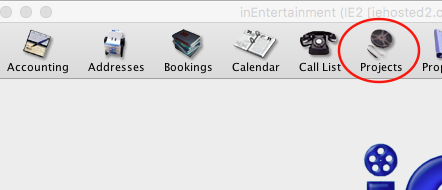
Open the Projects Module.
Step 2
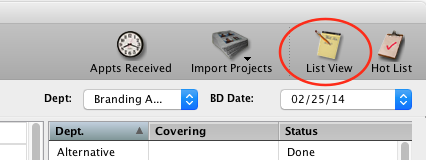
Click on List View.
Step 3
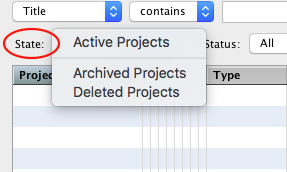
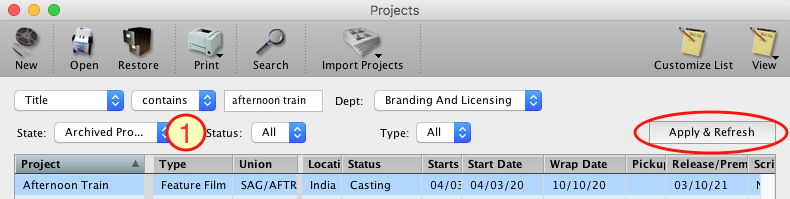
Once in the List View, for the State field, select Archived or Deleted.
Step 4
Once you have selected the appropriate State (1), type in the name of the project and click on Apply & Refresh.
Step 5
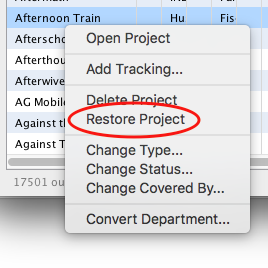
Once the result shows in the list, Right Click on the project and then select Restore Project.